
These guides explain the documented Bunkfox workflows. The website is an interactive preview; it does not change live property records.
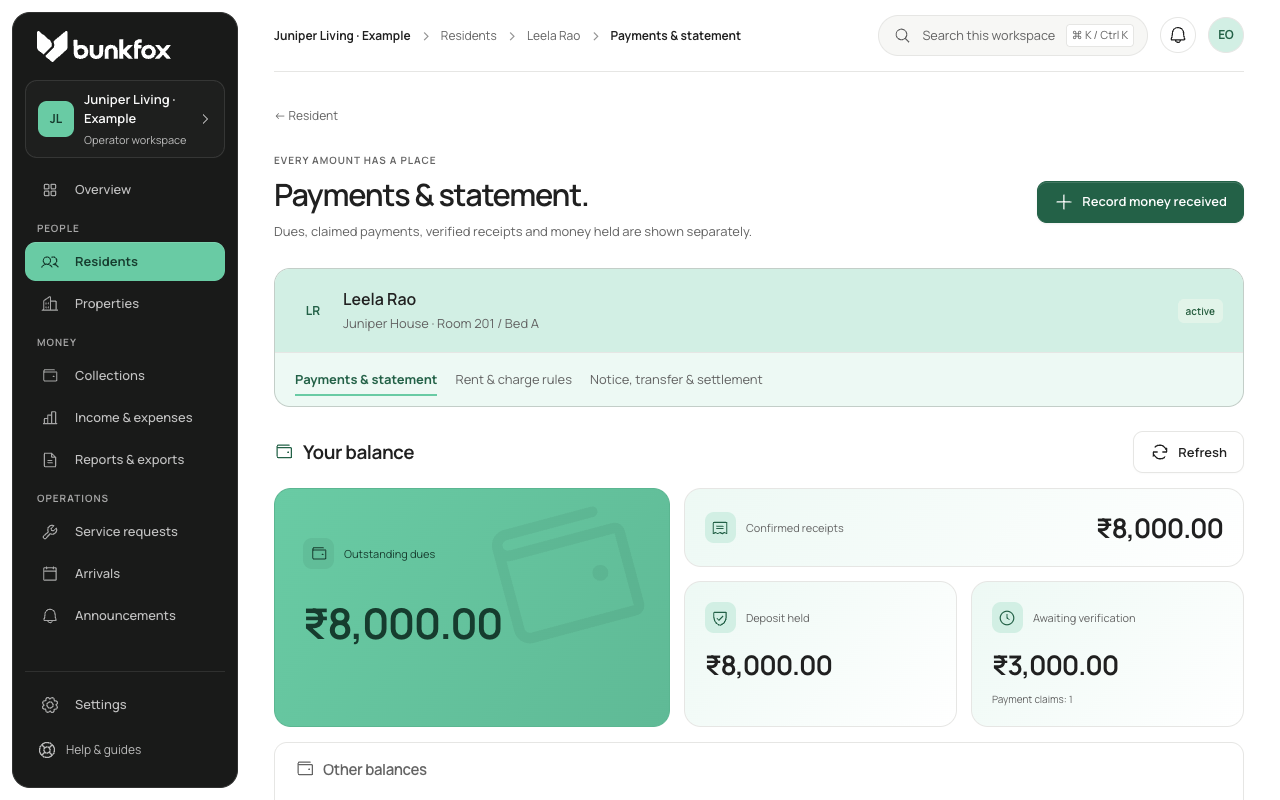
Find the original receipt.
Check the resident, property, amount, payment date and purpose. Compare the record with the money actually received. If a resident has reported an already-recorded payment, match it to that receipt instead of recording it again.
Review the balances that will change.
A correction may change more than one figure. Preview its effect on rent due, deposits held and money awaiting assignment. Check whether you are correcting the amount received or only the purpose it was assigned to.
Record the reason for the correction.
Use a reversal or adjustment that keeps the original visible. Explain what was wrong and why it is being changed. A future allocation-rule change alone should not rewrite old receipts.
Check the owner and resident records.
Confirm the new balance, the retained receipt and the explanation in the history. Make sure a retry or a second payment report has not duplicated the receipt. If you cannot resolve the mismatch, ask for help with the specific record.