
These guides explain the documented Bunkfox workflows. The website is an interactive preview; it does not change live property records.
Agree what the token is for.
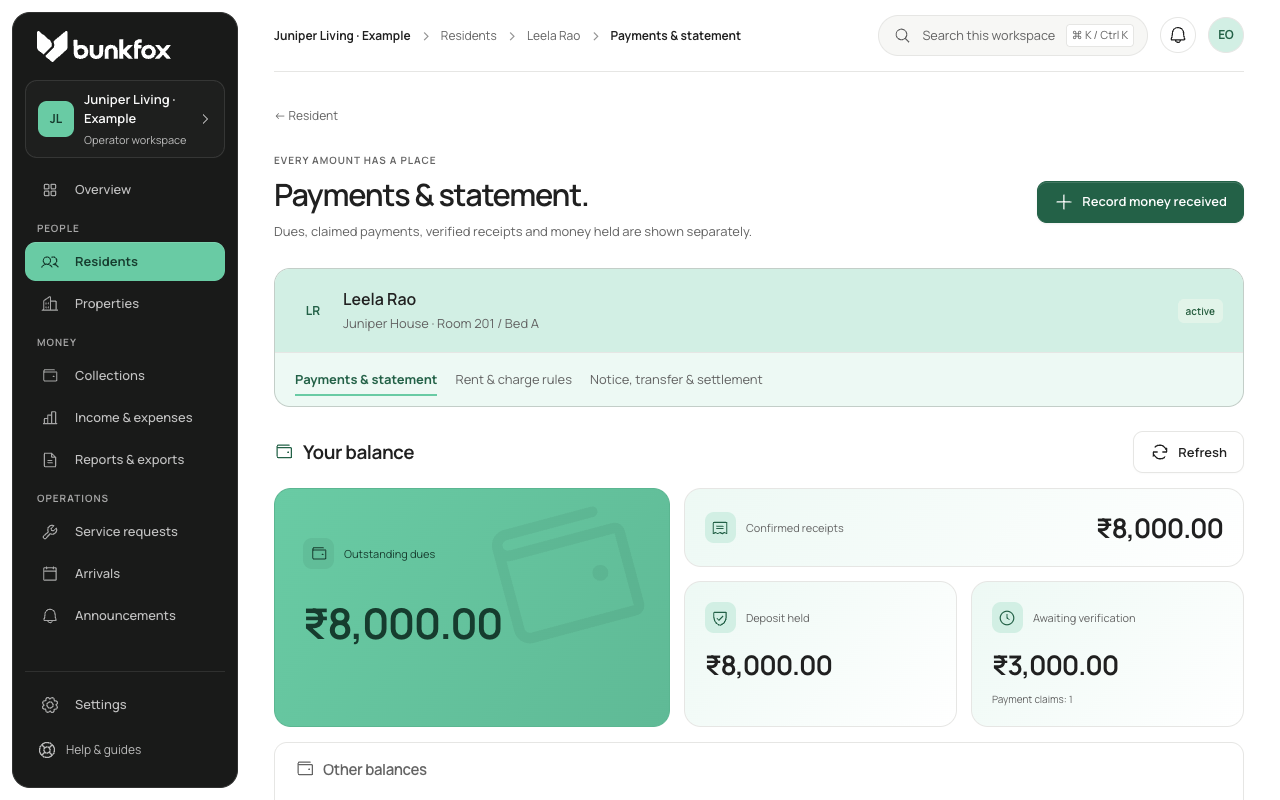
Record the token amount and agreed purpose with the reservation. Keep refundable deposits separate from rent. The payment method tells you how money arrived; its purpose tells you which balance it should change.
Verify the receipt before applying it.
Check that the money was received before assigning it to rent or a deposit. A resident’s payment report is still pending until reviewed. Applying a confirmed receipt does not create another payment.
Check splits and any money left over.
Review the allocation rule and the amounts still due. If an allocation reaches its limit, the excess stays visible for the owner to assign. Do not quietly move it to another purpose.
Record a cancellation or refund clearly.
For a cancellation, record the agreed deduction or refund and the reason. Record money actually returned as a separate event. When a token is moved into rent or deposit, do not count both the original token and its new allocation as extra money.