
These guides explain the documented Bunkfox workflows. The website is an interactive preview; it does not change live property records.
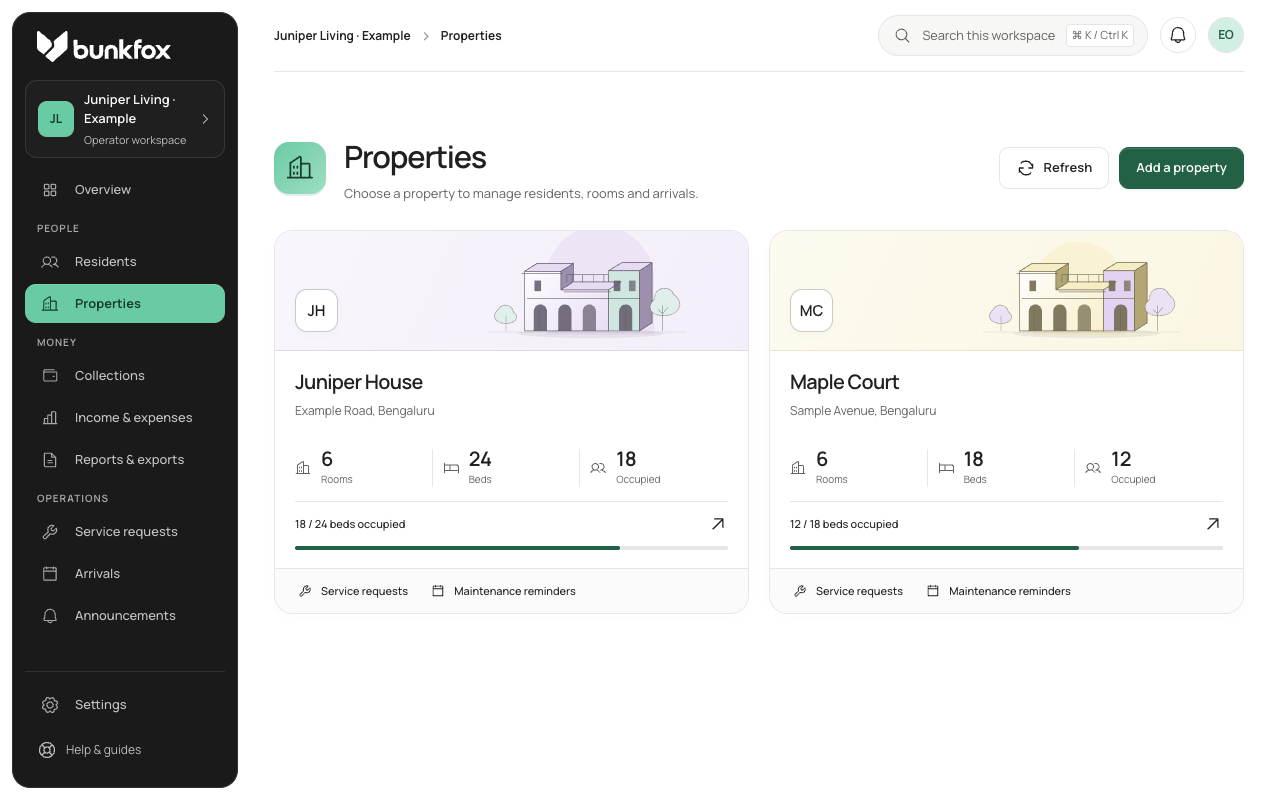
Give each address its own records.
Create separate properties within the business workspace. Add their rooms and beds, then connect each resident to the correct stay. Use recognisable property names so the team can check the selected address before changing a record.
Review what each property inherits.
Use business defaults where they fit, and property overrides where an address has different rules. Check the effective setting and its source. Review billing, enabled payment methods and optional Finance for each property.
Find the work, then open its property.
Use the business view to see which property needs attention, then work in the relevant property record. Review managers’ property assignments. A shared team member should only have access to the places and tasks they are responsible for.
Compare the same period and type of money.
Compare rent due with rent due, and confirmed receipts with confirmed receipts, over the same period. Keep deposits and pending payment reports separate. If Finance is off for one property, missing expense records do not mean it spent nothing.